How to send and upload pictures using Samsung Galaxy S - Android
One of the best features of a smartphone is sending and sharing pictures with your friends. This guide will show you how to send or upload pictures with your Samsung Galaxy S in a few simple steps.
Easy 411 views
What You'll Need
- how to send pictures with galaxy s
- how to send pictuers android
- android
- samsung
Steps
- 1
Step 1
 Press the Gallery button in the menu.
 - 2
Step 2
 Choose the picture you want to send or share (you can even send a whole album).
 -
- 3
Step 3
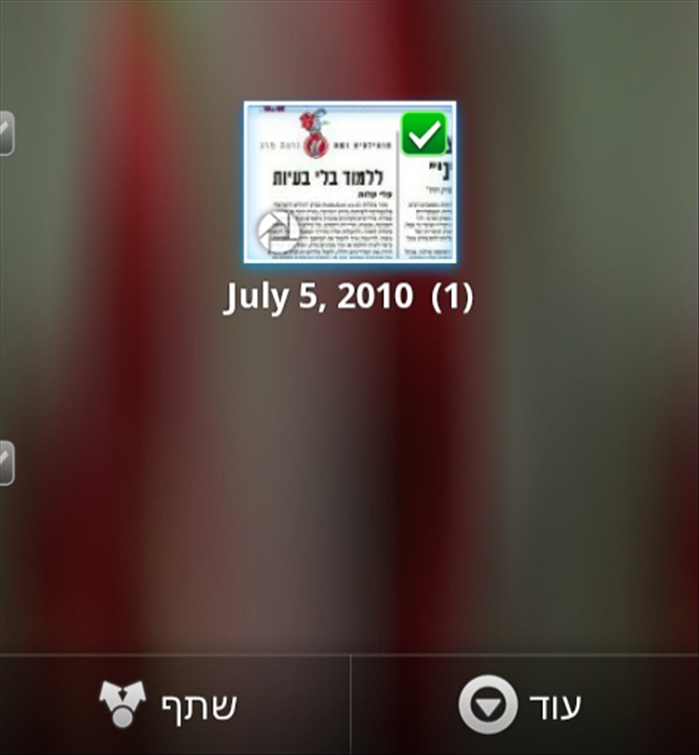 Press and hold the picture until it is checked. You can check as many pictures as you like.
 - 4
Step 4
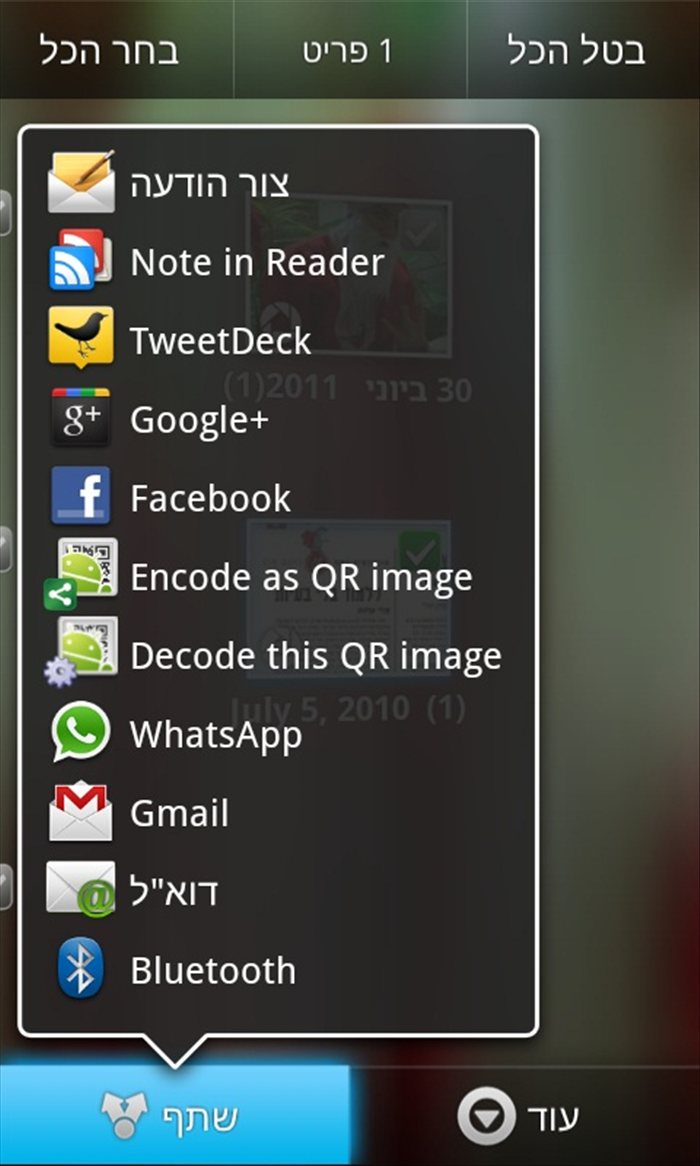 After you are done choosing the pictures press the "Shared" button on the bottom of the screen and choose the way you want to share your pictures. You can choose by email, Facebook, Bluetooth.