איך למנוע כניסה של ווירוסים בזמן הגלישה התמימה שלנו באינטרנט
מדריך זה יסביר כיצד להתקין את יועץ הגלישה הבטוחה של Norton ובחינם ! ! !
Easy 1,202 views
What You'll Need
- גלישה בטוחה
Steps
- 1
Step 1
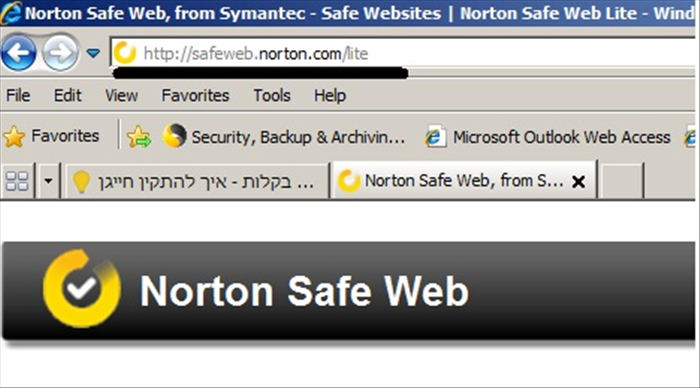 הכנסו לאתר היישום http://safeweb.norton.com/lite
 - 2
Step 2
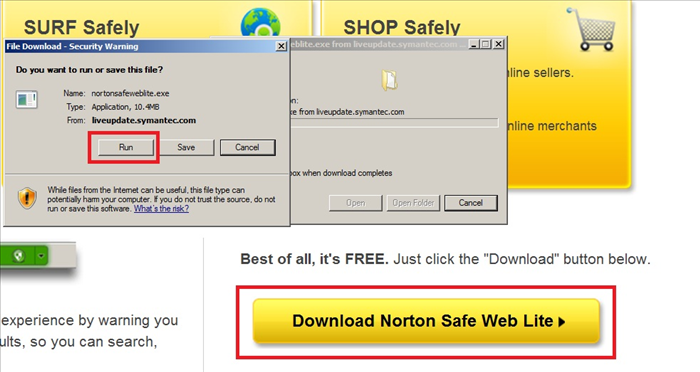 הורידו והפעילו את ההתקנה
 -
- 3
Step 3
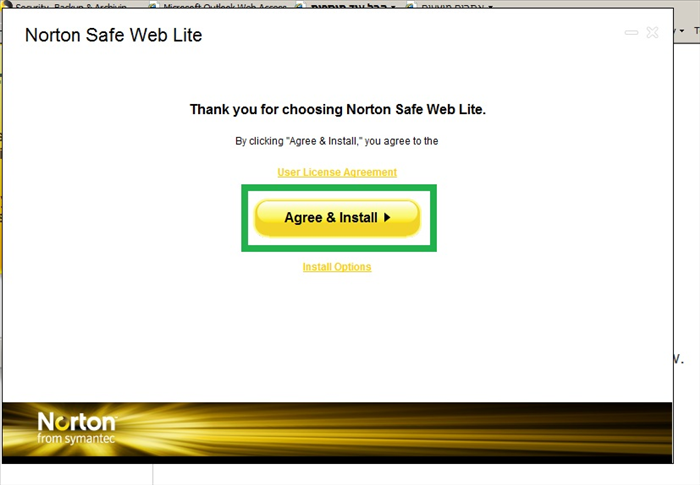 אשרו את ההתקנה בלחיצה אחת בלבד!
 - 4
Step 4
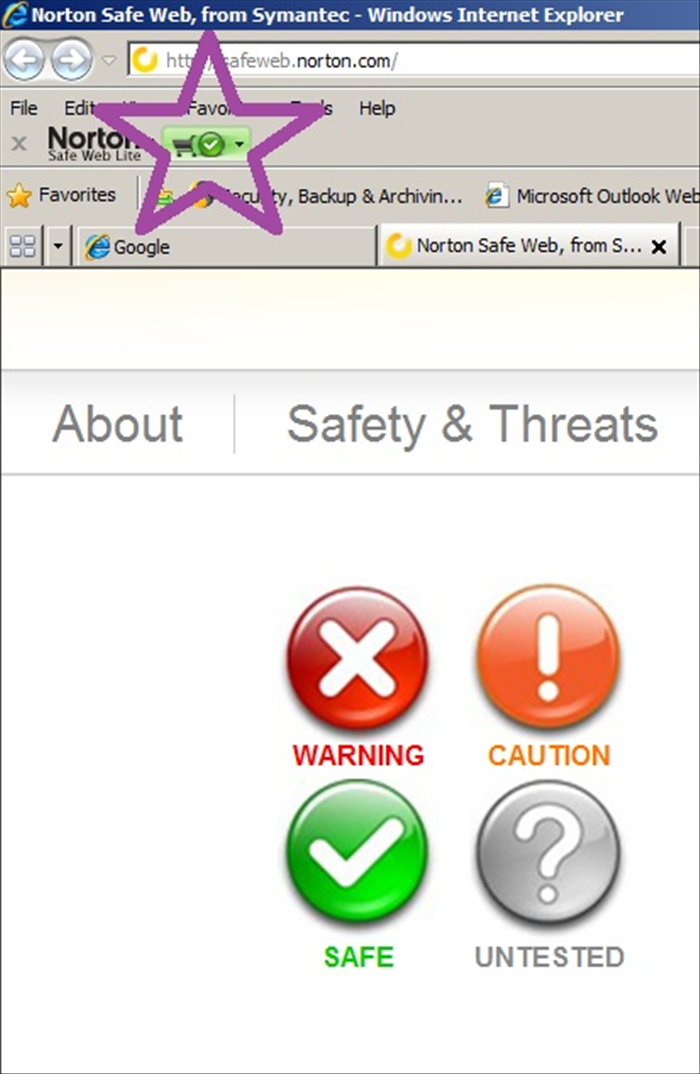 שימוש במוצר: בזמן הגלישה, כל אתר שניכנס אליו, יקבל דירוג (היכן שסימנתי כוכב סגול בתמונה). עדיף בכלל לא לגלוש באתר שיש לו סימון אדום של warningקרוב לוודאי שמחשבכם ידבק בווירוס. אתר שיש לו סמל כתום של caution, עדיף לא להוריד ממנו כלום ולא להסכים להתקין דבר. אתר שיש לו סמל ירוק של safe הוא אתר אמין בו נוכל לגלוש בביטחה. אתר עם סמל אפור של untested הוא אתר שלא מוכר ע"י מסד הנתונים של NORTON ואינו נימצא בטוח או לא בטוח לגלישה, כלומר תוצאות הגלישה בו לא ידועות (לשיקול דעתכם)
 - 5
Step 5
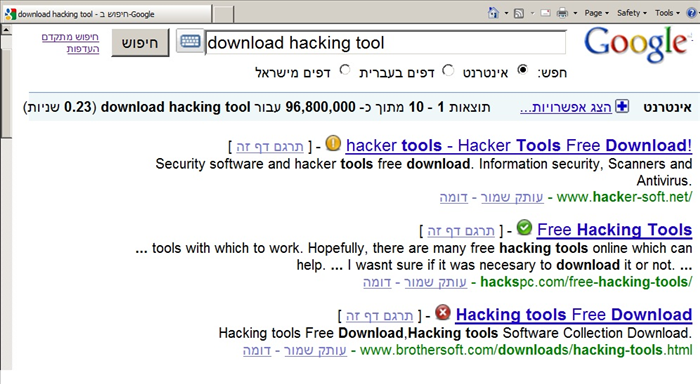 גם בחיפוש אתר במנוע החיפוש נוכל לקבל מהיועץ גלישה של NORTON מידע על המשך גלישה בטוחה. בתמונה דוגמא קיצונית של חיפוש, כדי להמחיש את מגוון האתרים. לעולם אין לדעת מה האתר הבא שיגרום צרות למערכת ההפעלה שלנו. רצוי תמיד לנקוט באמצעי זהירות, בימיוחד אם זה חינם.