How to preview pictures in Windows 7
A great feature in Windows 7, that many people do not know about, is being able to preview images. Using a combination of keys, to view magnified images, without clicking on them - makes it really easy to work with.
Easy 7,156 views
What You'll Need
- view pictures
- windows
- enlarged pictures
- see images
- windows 7
Steps
- 1
Step 1
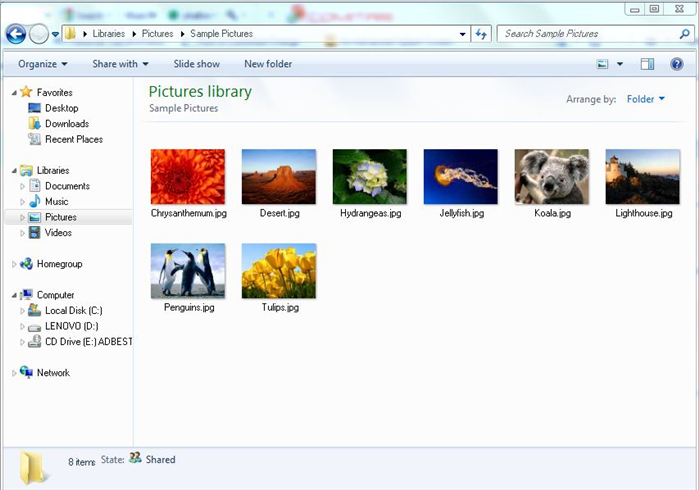 Go to the folder with the pictures you want to view.
 - 2
Step 2
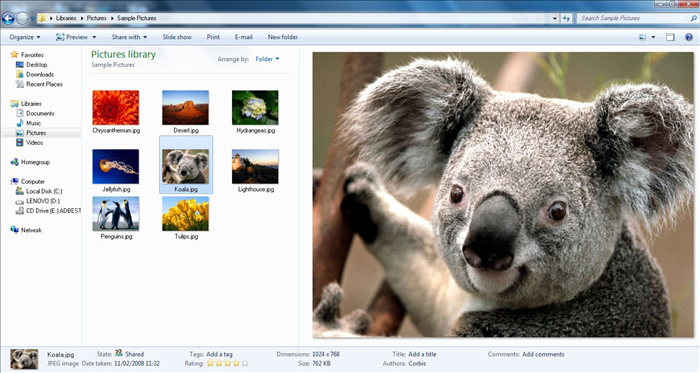 Press Alt and P The pictures will show in the enlarged size.
 -