Windows
Here you will find basic and advanced guides for the Windows Operaing System.

How to Take a Screenshot on Windows 10 & 11 (Easy Guide)
Learn multiple easy ways to take a screenshot on Windows, including using the Snipping Tool, Print Screen, and keyboard shortcuts. Perfect for tech support or creating guides.
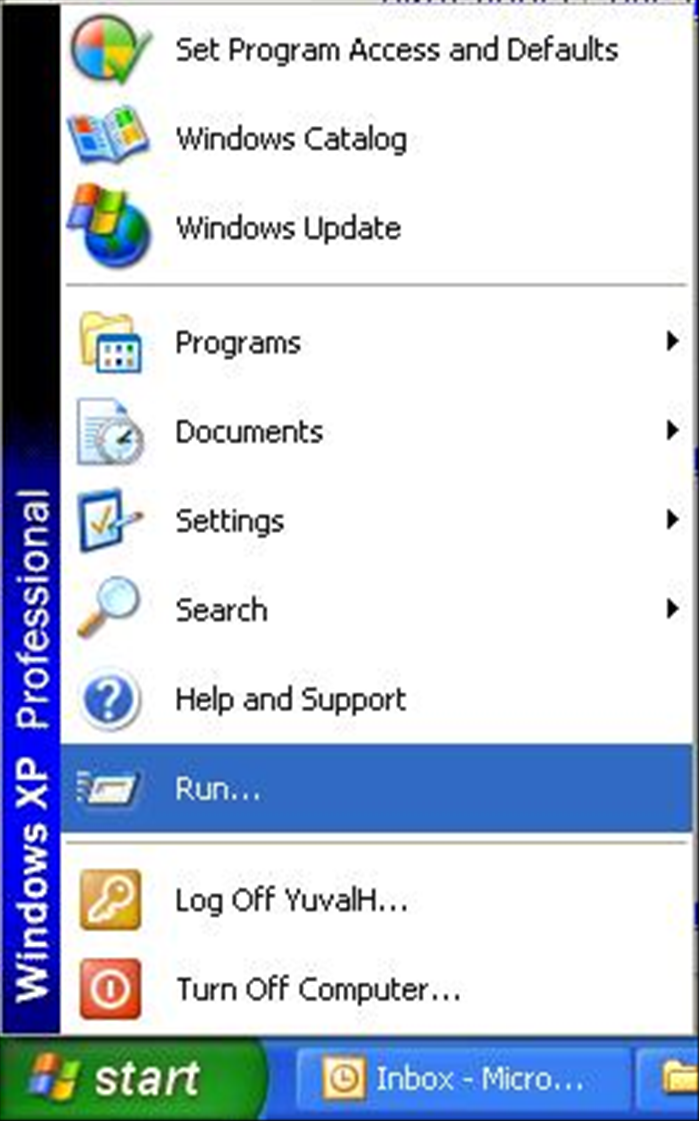
How to Find Your IP Address: Local and Public IP on All Devices
Learn how to find your local and public IP address on Windows, macOS, Linux, and mobile devices. Essential for network troubleshooting and setup.
NAS vs SAN: Choosing the Right Data Storage Solution for Home & Business
Compare Network Attached Storage (NAS) and Storage Area Network (SAN) to choose the best data storage. Learn differences, pros, cons, use cases, and expert tips.
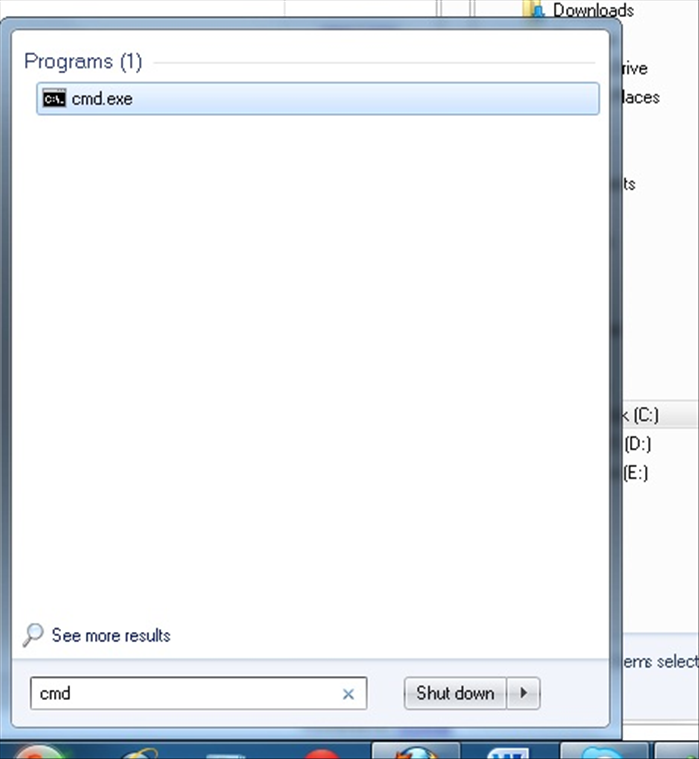
How to Bulk Rename File Extensions in Windows
Learn to efficiently rename multiple file extensions in Windows using File Explorer, Command Prompt, and PowerShell. Includes troubleshooting tips, safety warnings, and best practices for managing your files.

Handbrake Tutorial: Convert Videos for iPhone, iPad & Apple TV (Easy Guide)
Unlock your media! Learn how to use Handbrake to easily convert DVDs and video files into formats perfect for your iPhone, iPad, iPod Touch, or Apple TV. Get optimal settings for quality playback.

How to Install IIS web server on Windows XP
There are people who dream of being pilots, there are those who want to be firefighters and people who always dreamed of installing IIS 5.1 on Windows XP PRO. In this guide we will explain how to install the Microsoft IIS on XP PRO operating system.
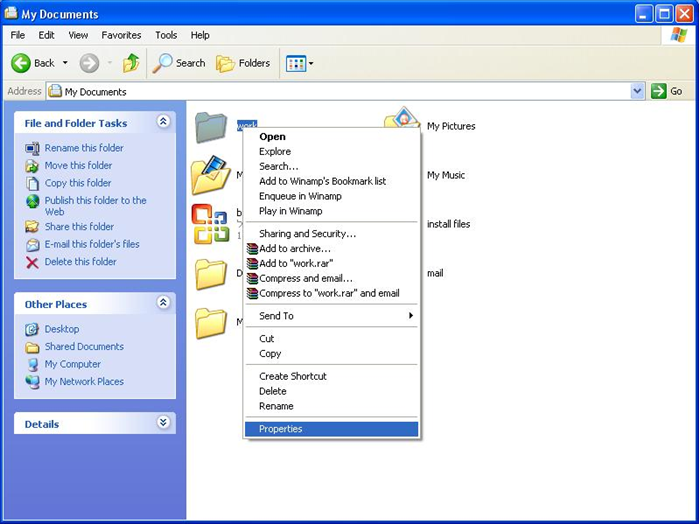
How to add an image to a folder in Windows XP
You can make your folders a little more fun by adding a picture folder. It is an extremely effective trick that helps children use the computer.

How to use different programs at the same time with Windows
With windows you can have several programs open on your desktop and go from one to another without closing them. This guide will explain how you can quickly move from one to the next using icons on your desktop and shortcut keys on your keyboard.
How to shrink a MSSQL log file
No more disc space on your SQL server? There's a change that the log files are too big. This guide will show you how to stop using the log files and errase them. Pay attention, you cannot restore these files and must make a backup before you begin!!!!