Basic Use
Guides about the basic use of the computer.

How to Take a Screenshot on Windows 10 & 11 (Easy Guide)
Learn multiple easy ways to take a screenshot on Windows, including using the Snipping Tool, Print Screen, and keyboard shortcuts. Perfect for tech support or creating guides.
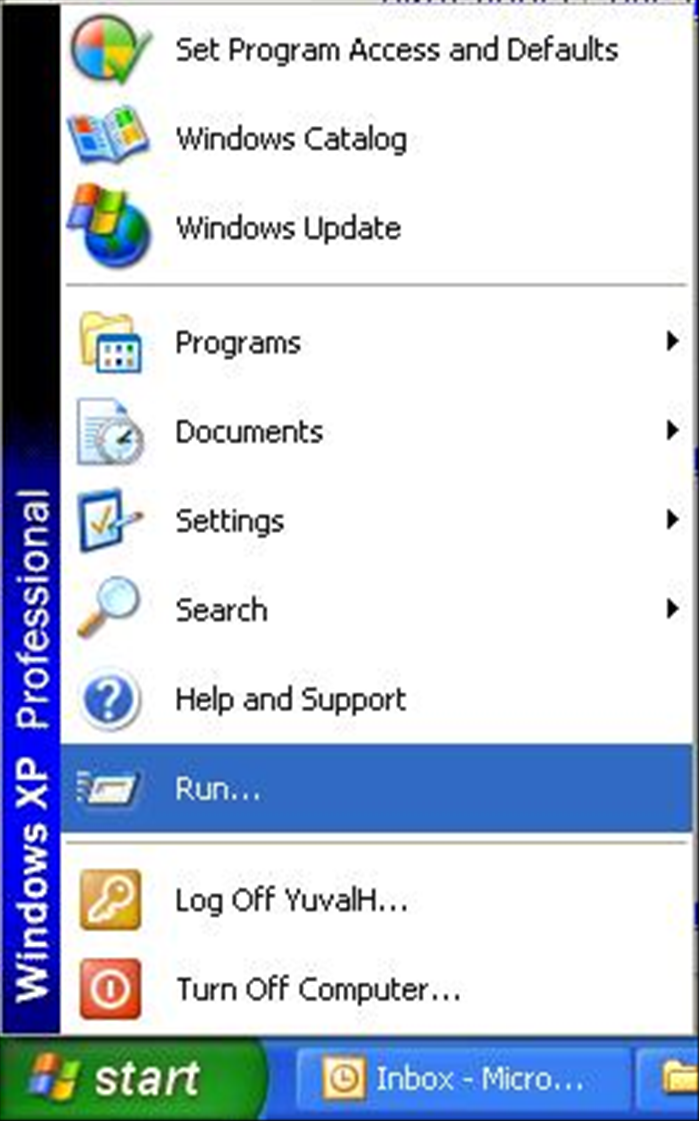
How to Find Your IP Address: Local and Public IP on All Devices
Learn how to find your local and public IP address on Windows, macOS, Linux, and mobile devices. Essential for network troubleshooting and setup.
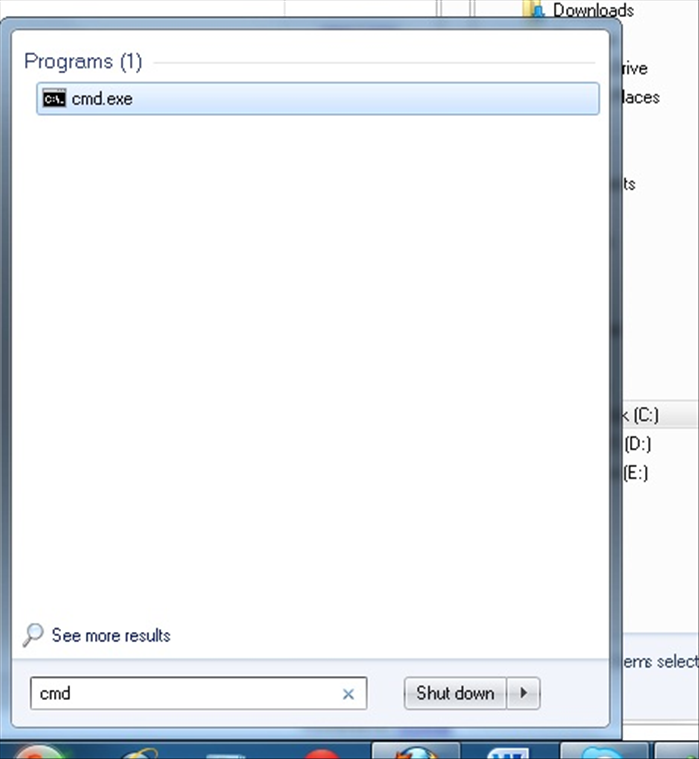
How to Bulk Rename File Extensions in Windows
Learn to efficiently rename multiple file extensions in Windows using File Explorer, Command Prompt, and PowerShell. Includes troubleshooting tips, safety warnings, and best practices for managing your files.
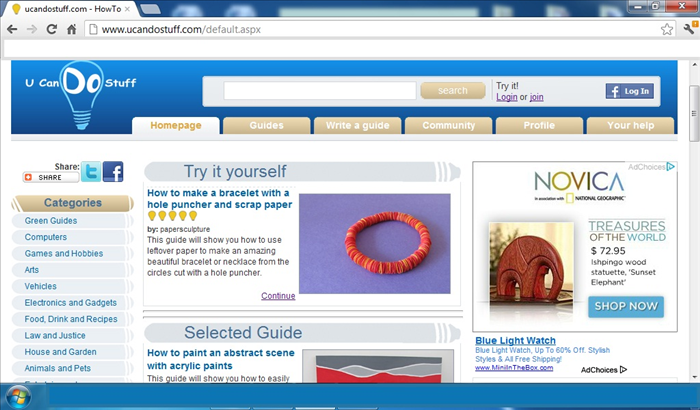
How to make a copy of what you see on your computer screen
Have you ever seen something cool on the internet that you wanted to look at off line or wanted to send someone a picture of what you see on your screen? It is really easy to do.
How to find the computer's physical stamp (MAC Address)
The physical stamp on your Mac computer, distinguishes it from other computers. This information is used for the Internet network so that only specific computers will have Internet access by their signature.
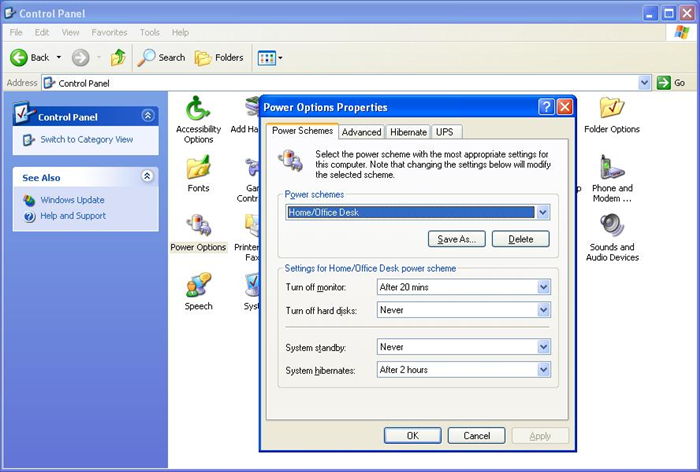
How to make your computer more environmentally friendly
A lot of people do not know if their computer needs a lot of energy. There are ways to make it more green - that save energy and reduce electric bills.

How to download anti-virus program for free
One way to protect your computer is using an anti-virus program. There are many free anti-virus programs you can get on line.

How to know if your computer is infected with a virus
Sometimes entering a dangerous website or downloading a file can lead to viruses on your computer. There are signs that you computer is infected.
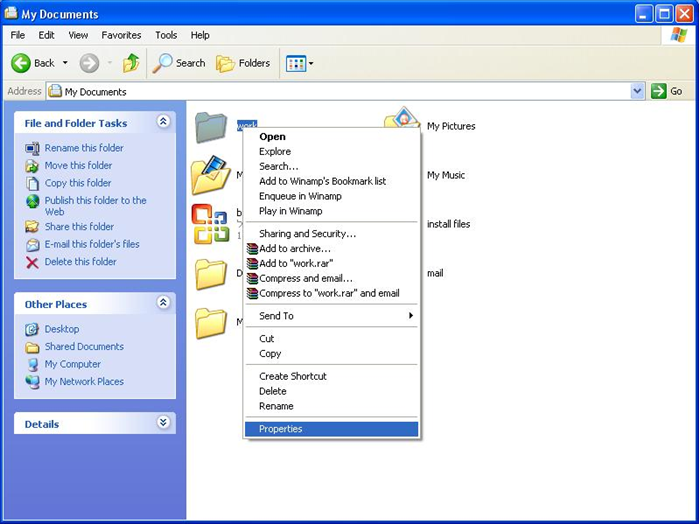
How to add an image to a folder in Windows XP
You can make your folders a little more fun by adding a picture folder. It is an extremely effective trick that helps children use the computer.

How to hide computer cords
Computer and TV cables all over the place gives a feeling of disorder. Here are some tips to organize the wires and keep it neat.

How to use different programs at the same time with Windows
With windows you can have several programs open on your desktop and go from one to another without closing them. This guide will explain how you can quickly move from one to the next using icons on your desktop and shortcut keys on your keyboard.