How to use Find My Iphone / ipad
Find my Iphone / Ipad - is a free application for iPhone 4, iPad, iPod Touch or Mac. With it you can use another iOS device to see the location of the iPhone, iPad, your iPod on a map, display a message on it, set a lock code and protect your data.
Easy 699 views
What You'll Need
- find my iphone ipad ipod אייפד אייפוד אייפון
Steps
- 1
Step 1
דבר ראשון יש לוודא שהאייפון, אייפד או איפוד טאץ עובד על גירסת מערכת הפעלה 4.1 ומעלה. - 2
Step 2
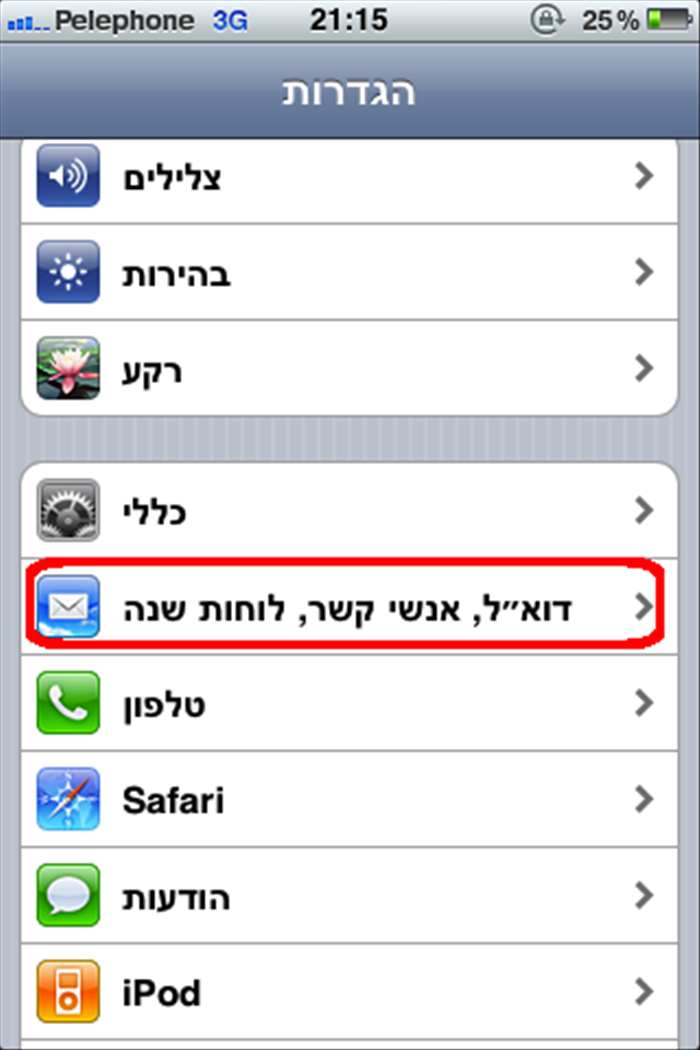 הקש על אייקון "הגדרות" ובחר ב- דואר, אנשי קשר, לוחות שנה.
 -
- 3
Step 3
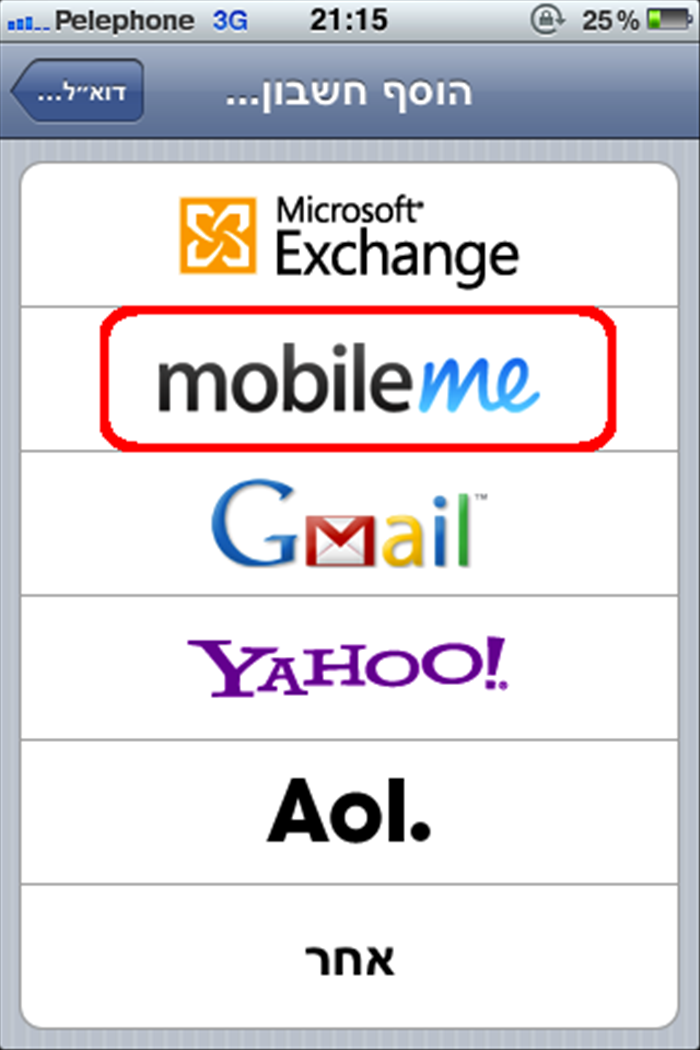 לחץ על כפתור "הוסף חשבון" ובחר חשבון MobileMe
 - 4
Step 4
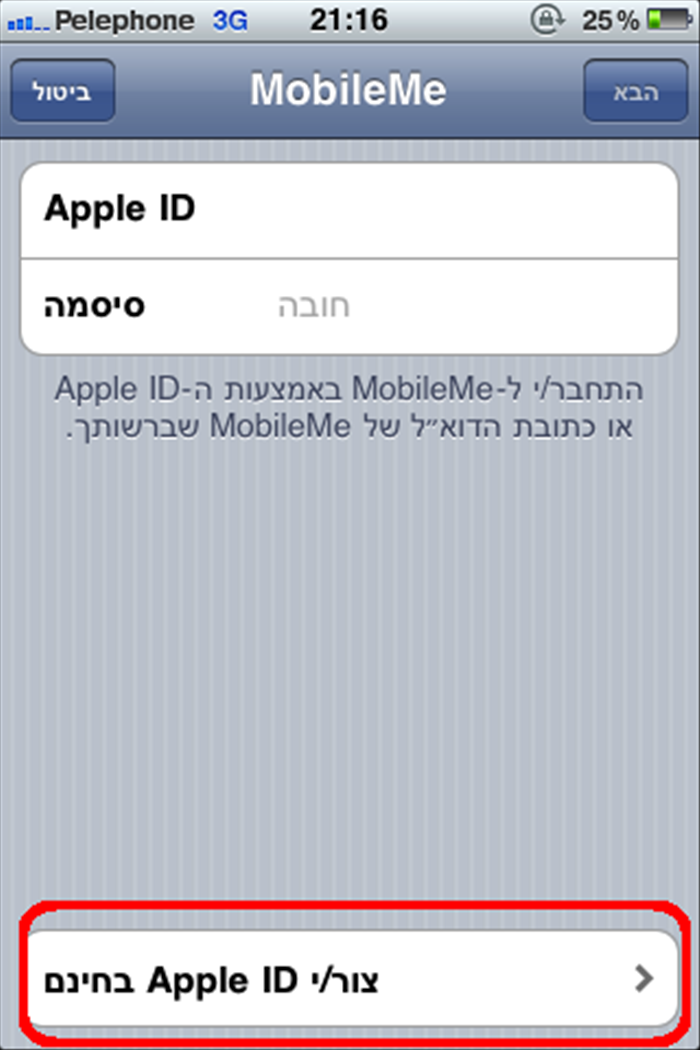 הזן את ה- Apple ID שלך ואת הסיסמה שלך ולחץ "הבא". אם יש לך חשבון ב-App store, כבר יש לך Apple ID. אם אין לך Apple ID, הקש "צור/י Apple ID בחינם" ועקוב אחר ההוראות על המסך. אם אתה כבר מנוי MobileMe, הזן me.com שלך או כתובת הדוא"ל והסיסמה mac.com ו.
 - 5
Step 5
ודא את חשבונך. אם חשבון MobileMe שלך אומר "לא מאומת", יש לבדוק בדואר שלך אם קיבלת הודעה מ-Apple. לחץ על אמת עכשיו והיכנס עם מזהה אפל שלך. אם אינך רואה הודעת דוא"ל לאימות בתיבת הדואר הנכנס שלך, בחר חשבון MobileMe שלך והקש שוב את הודעת האישור אימות דוא"ל. - 6
Step 6
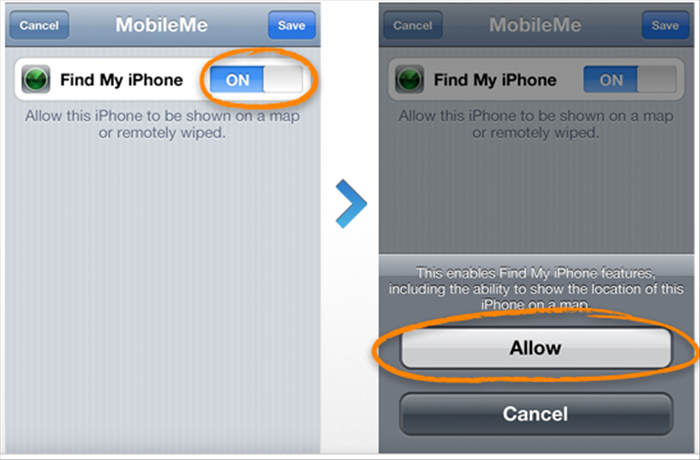 חזור למסך MobileMe ולעבור על האייפון שלי מצא. שנה ל- "ON" את המצב ליד Find My IPhone. בהודעה שתעלה לחץ על "אפשר"
 - 7
Step 7
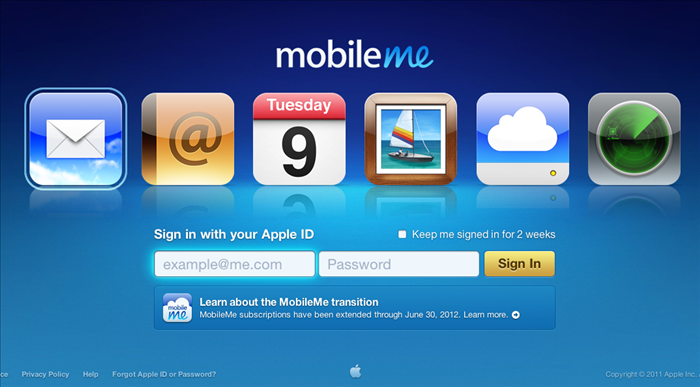 זה הכל. כעת השירות עובד. בכדי לראות את מיקומו של האייפון, איפד, אייפוד על המפה ולשלוט עליו מרחוק, הכנסו לכתובת: me.com הכניסו את ה- Apple ID שלכם ואת הסיסמא... תהנו!